Amazon's Kindle Direct Publishing (KDP) lets anyone publish an e-book or a print book and sell it worldwide. If AI helped create your book, you can still publish it. You just need to be upfront about it and make sure the book is genuinely ready. Here's a straightforward walkthrough.
KDP's rules and royalty terms change from time to time, so always check KDP's own help pages for the current details before you publish.
What you need before you start
- A KDP account with your tax and payment details.
- Your manuscript: a formatted interior PDF for print, and a Word or EPUB file for Kindle.
- Your cover: a front cover image for Kindle, and for print a full-wrap cover (back, spine and front) sized to your trim size and page count.
- Your book details: title, subtitle, author name, description, keywords and categories.
The AI content disclosure
When you publish, KDP asks whether your book contains AI-generated content, such as text, images or translations. If an AI tool created the content, you should answer yes. Amazon distinguishes AI-generated content from AI-assisted content, where you created the work yourself and used AI tools to edit, refine or brainstorm. Read the current definitions on KDP when you publish, and answer honestly.
Disclosure is a checkbox, not a penalty. Being honest about how you made your book is always the right call.
Print book essentials
Trim size
6 x 9 inches is a popular choice for non-fiction and many novels. 5.5 x 8.5 inches is a common, slightly more compact option. Your interior and cover must match the trim size you choose.
Spine width
The spine width depends on your page count and paper type. If your cover's spine doesn't match your interior, KDP will flag it. This is one of the most common reasons print books get sent back for fixes.
ISBN
KDP can assign a free ISBN for paperbacks, or you can use your own.
Proof copies
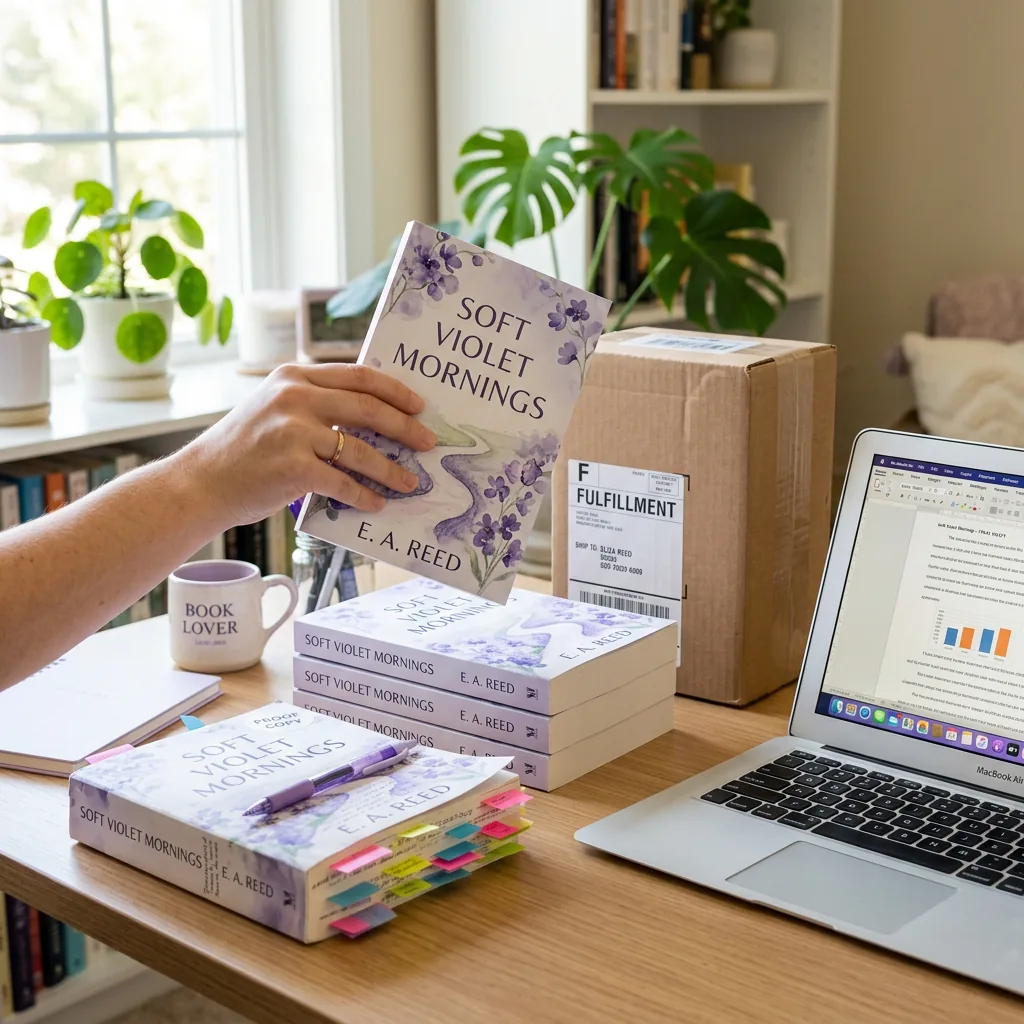
Order a proof or an author copy before your launch. Seeing the book in your hands is the best way to catch cover and layout issues.
Before you hit publish: a quality checklist
- Read the whole book. Every chapter, start to finish.
- Check facts and claims, especially anything involving health, law, money or safety.
- Look for repetition and phrases that appear too often.
- Make sure it sounds like you, and add your own stories and examples where they help.
- Check originality. A similarity scan can flag passages that closely resemble existing text.
- Proofread the metadata. A typo in your title or description is the first thing shoppers see.
How AI Ghost Writer fits in
On the Silver and Gold plans, AI Ghost Writer produces print-ready KDP files: a formatted paperback interior at 6 x 9 or 5.5 x 8.5 inches, a full-wrap cover with the spine sized to your page count, and a Kindle-ready Word file. Gold adds hardcover files and a similarity scan. Every plan includes PDF, Word, EPUB and text downloads.
You publish under your own KDP account, so you control pricing, keep your royalties and own your listing.
After you publish
New books typically go through a review before they appear in the store, which usually takes a few days. Once you're live, share your cover, tell your network, and ask early readers for honest reviews. Your first readers are your best marketing.